The New ChessKid Enterprise Experience for Teachers, Schools & Districts
Hi ChessKid Educators and Adminstrators!
ChessKid just got easier to use! The redesigned Enterprise experience and Move & Manage Kids tool provide a clear, intuitive way to organize students, assign Gold seats, and manage teachers and groups all from one central hub.
We’ll walk you through the updated tools available to you, what they do, and how they help you spend less time on admin and more time on supporting students through chess!
➡️Interested in bringing ChessKid to your classroom, school, or district? Fill out our Enterprise Account Request Form and our team will follow up to help you get started.
What's New with Enterprise✨
This Enterprise update focuses on improving how educators set up organizations, manage groups, and handle student accounts at scale. Below, we’ll break down each update and where you’ll find it.

Organizations Page for First-Time Users 🧭
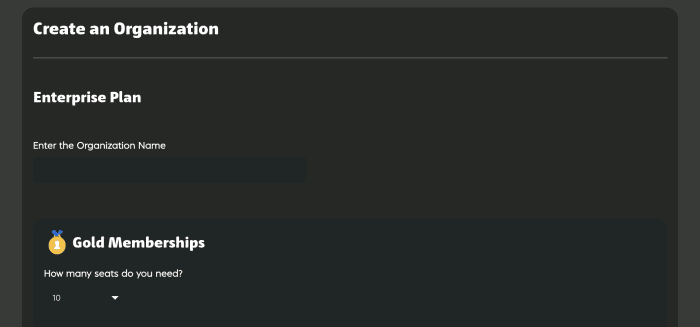
New Enterprise users start on the Organization page, where they can quickly begin their school or district setup by creating an organization without searching through menus.

Building your organization is now quick and intuitive. Enter your name, choose your Gold seats, and you’re ready to start managing students and teachers.
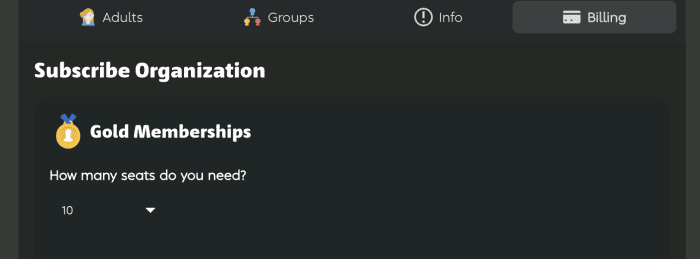
Already have an organization? The Billing tab outlines your options and makes upgrading simple and transparent for schools and districts.
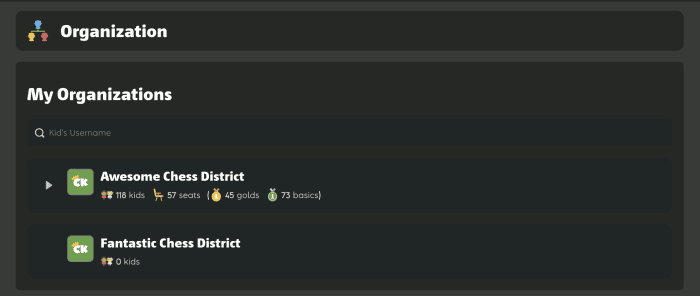
If you oversee multiple schools or programs, the My Organizations page gives you a unified view of everything you manage, so you can switch between organizations without losing track.
-
Subscription Confirmation
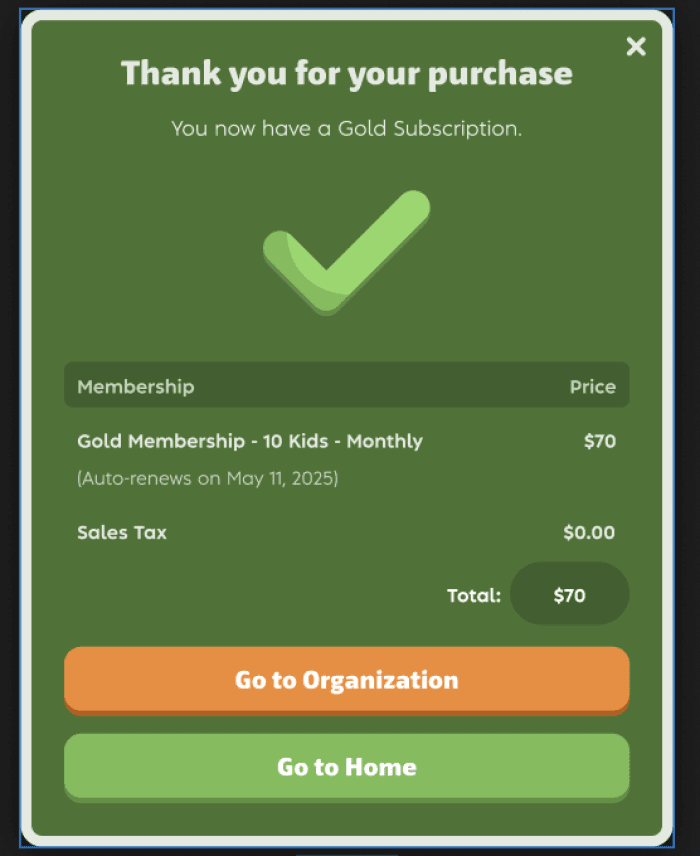
After a successful Enterprise subscription purchase, a clear confirmation message walks you through the next steps so you know exactly what to do next.
Move and Manage Kids Tool 🛠️
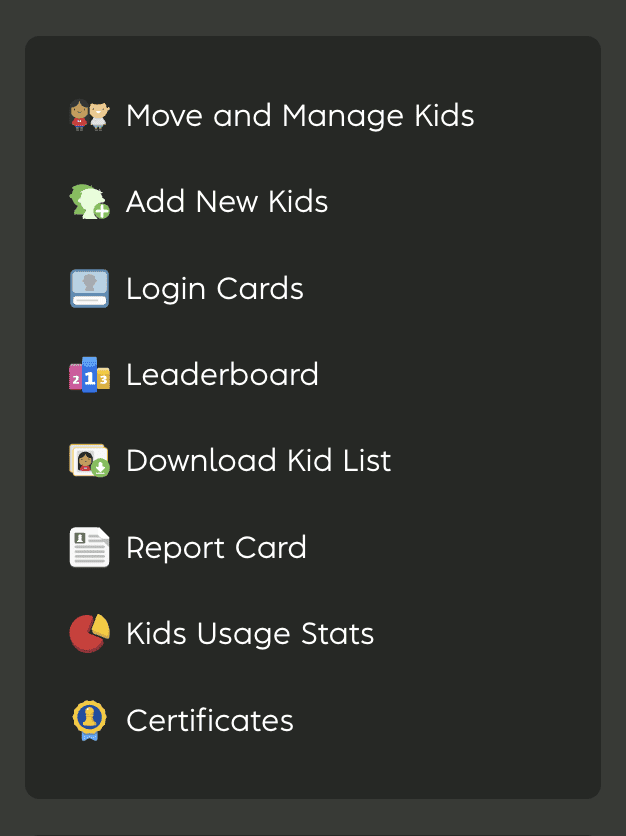
The new Move & Manage Kids feature is the heart of the Enterprise update, and is designed to make student management faster and more flexible.
-
Manage Students All in One Place
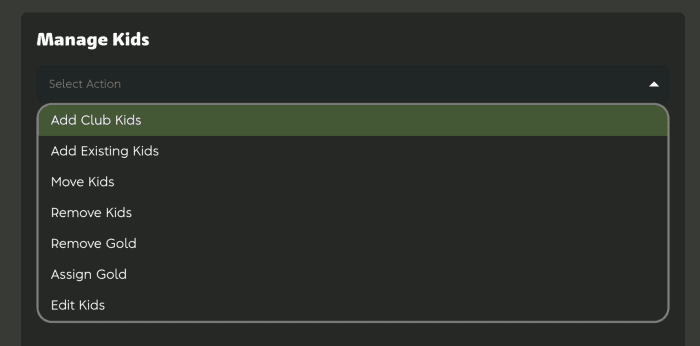
With this tool you can:
• Assign Gold memberships in bulk.
• Remove Gold when there are changes in your roster.
• Move Kids between groups, classes, or schools.
• Remove Kids from the organization when needed.
• Edit Kids account details securely.
• Add Existing Kids from within ChessKid.
• Add Club Kids from affiliated clubs or programs.
You no longer have to make one-by-one updates. Everything you need to administer students across classrooms and schools is right here!
Control at the Organizational Level 🏫
The organization-level tabs are built to support school and district administration at scale. They provide centralized control over users, groups, and subscription details.
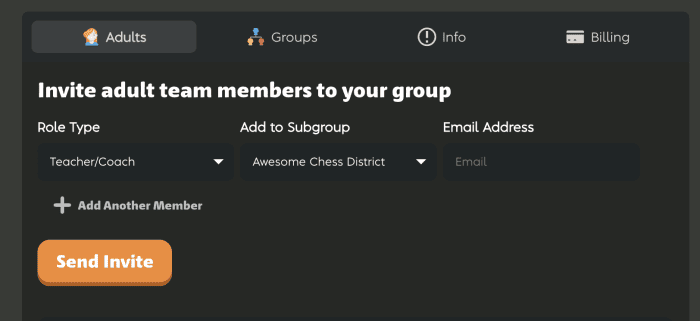
Manage teachers, coaches, and administrators efficiently. Assign roles and permissions so each adult has the access they need.
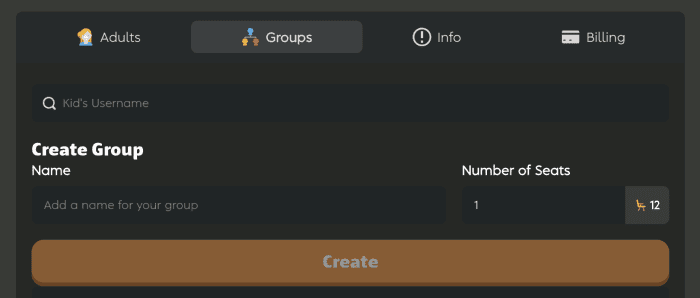
Groups help you mirror real academic structures such as classes, schools, grade levels, teams, and more. Create and organize these quickly.
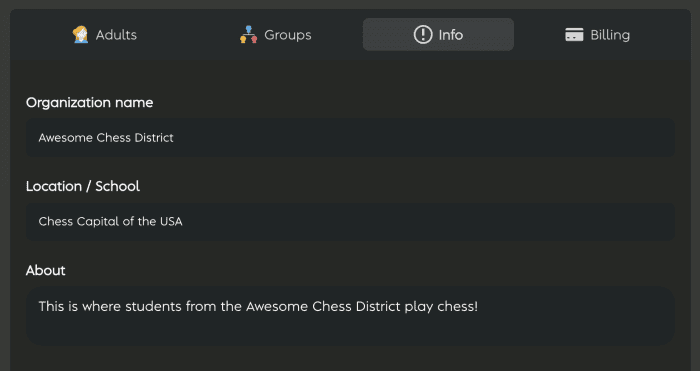
Maintain accurate organization details in one place, so your records are always up to date.
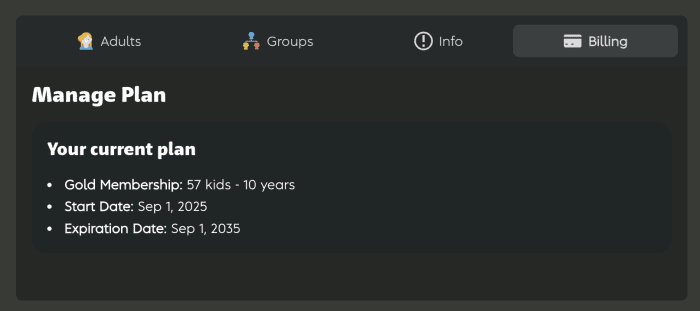
View and manage subscription details, billing info, and renewal status (visible to owners).
Focused Group Management 👥
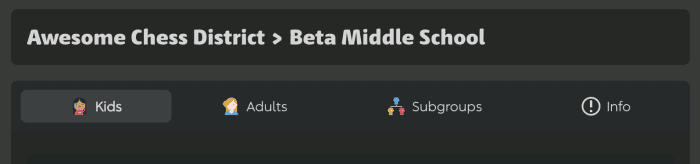
Within each organization, groups provide a structured way to manage classes, sections, or teams. Each group includes dedicated tabs that make it easy to manage students, teachers, and structure in one place.
- Group Kids Tab: See and manage students in that group.
- Group Adults Tab: Add or adjust teacher assignments.
- Group Subgroups Tab: Build nested structures for sections or grade levels.
- Group Info Tab: Keep group details organized.
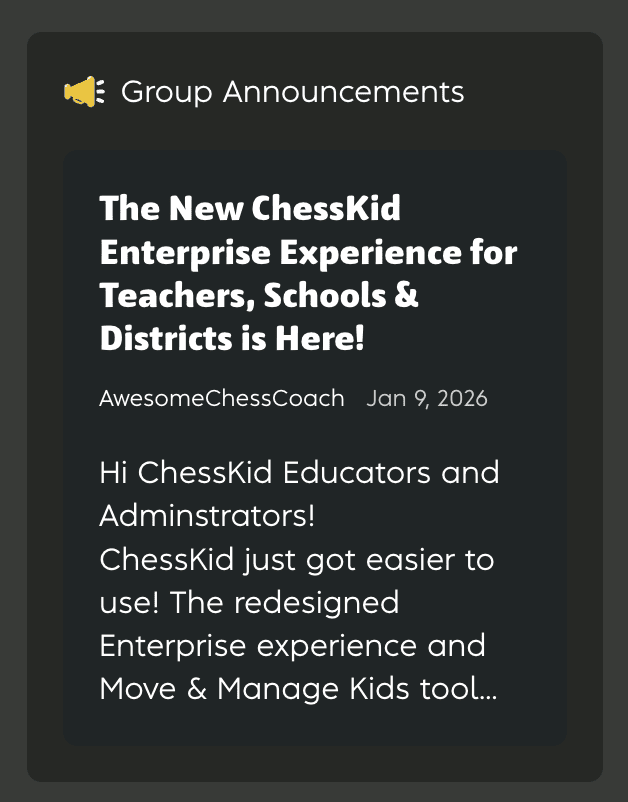
Group Announcements are now available from the right-side menu, making it easy to share updates and reminders with students and teachers in that group.
Designed for Educators 🤩
The new Enterprise redesign and Move & Manage Kids tool are built to simplify day-to-day management so educators can spend more time engaging students through chess. The result is a clearer, more intuitive system designed to scale alongside your program.
Let us know how your classroom or school is using these new tools, and stay tuned for what’s coming next!
➡️Interested in bringing ChessKid to your classroom, school, or district? Fill out our Enterprise Account Request Form and our team will follow up to help you get started.